

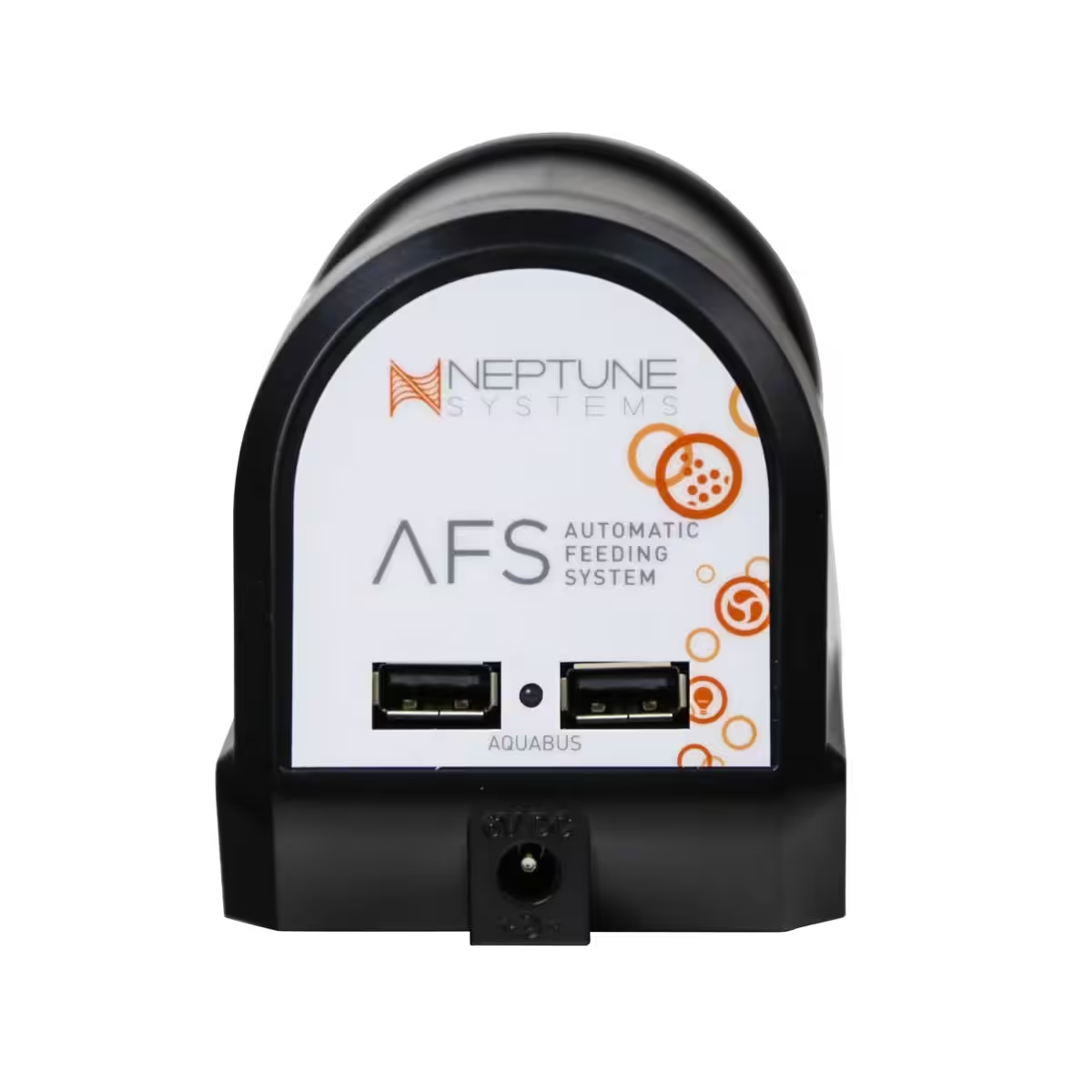
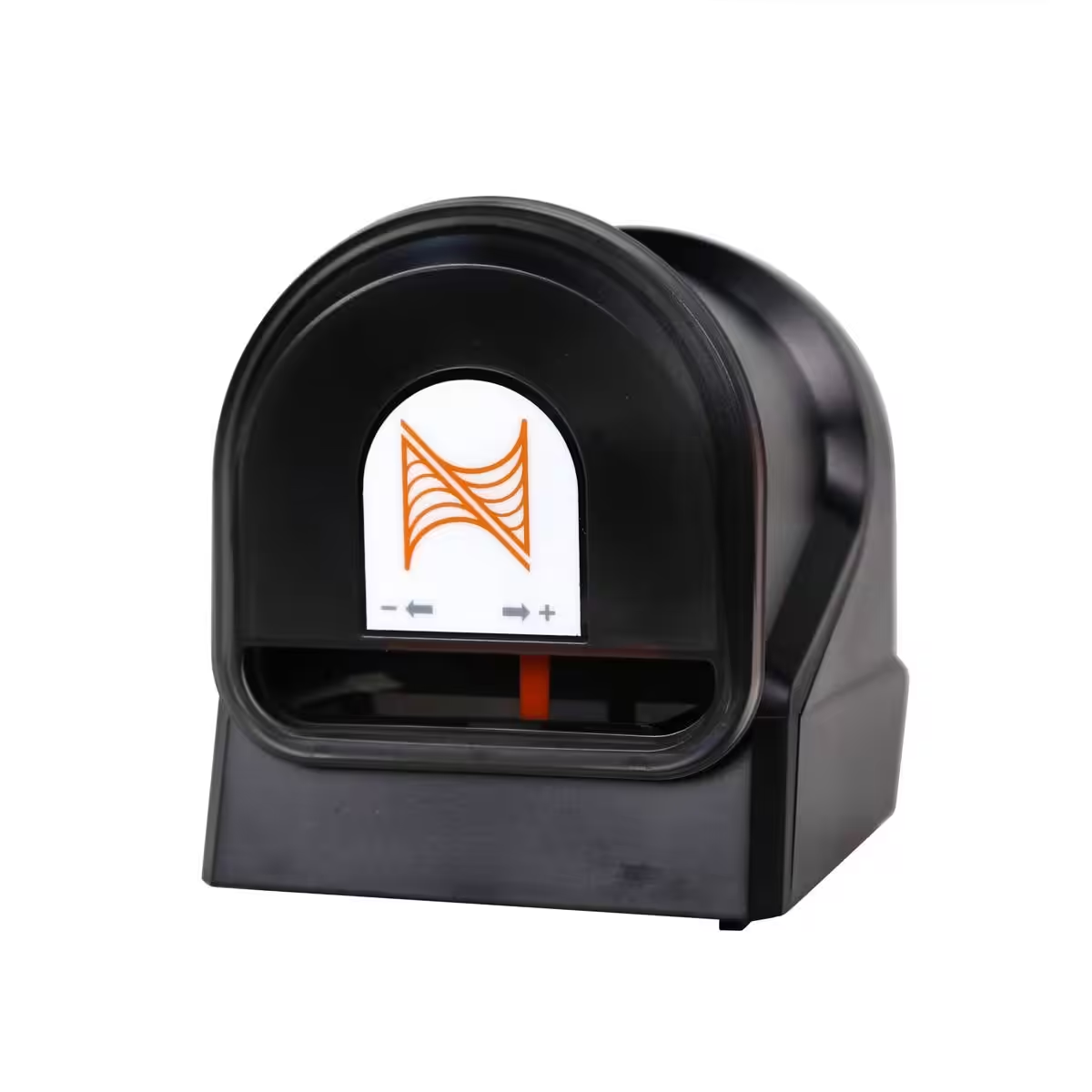
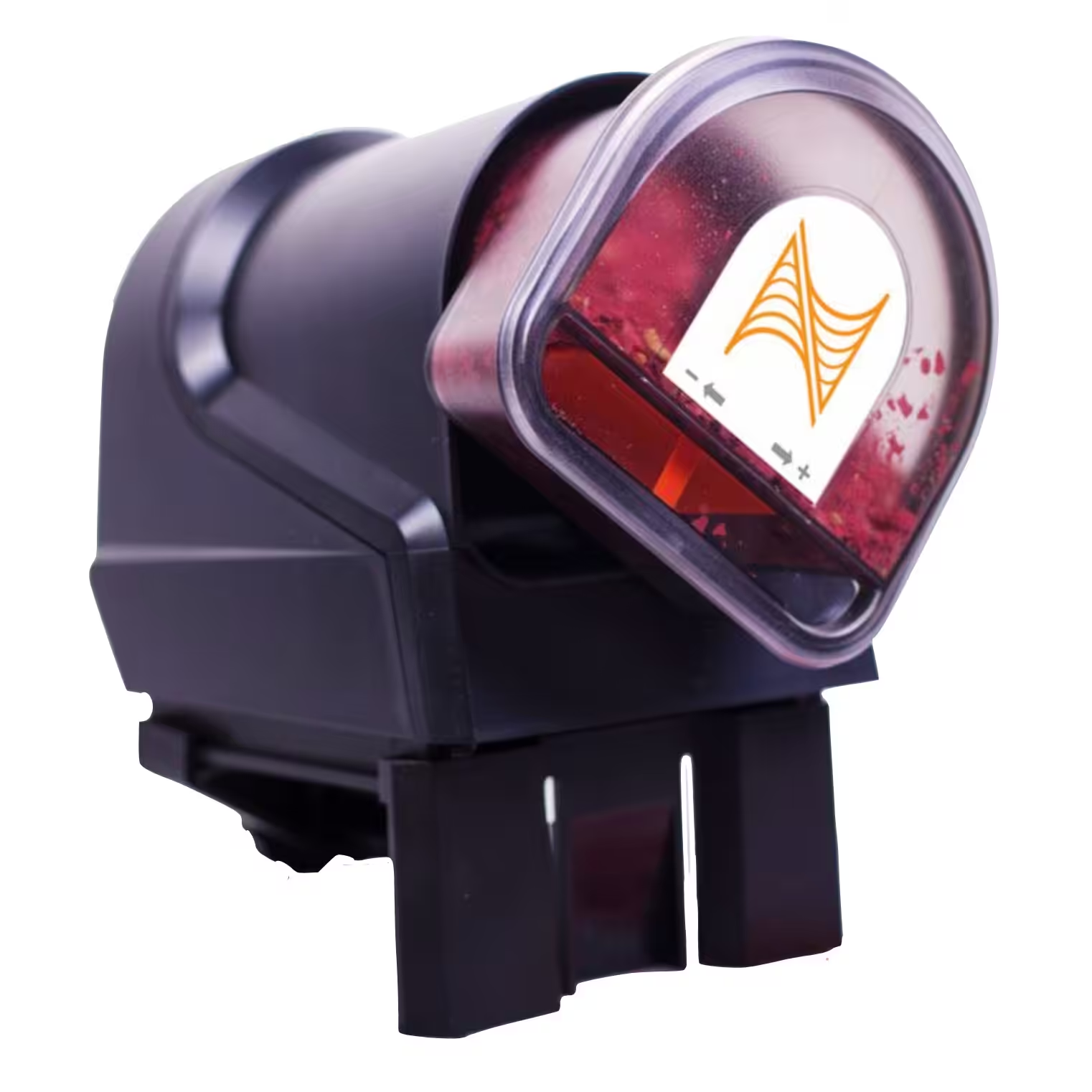
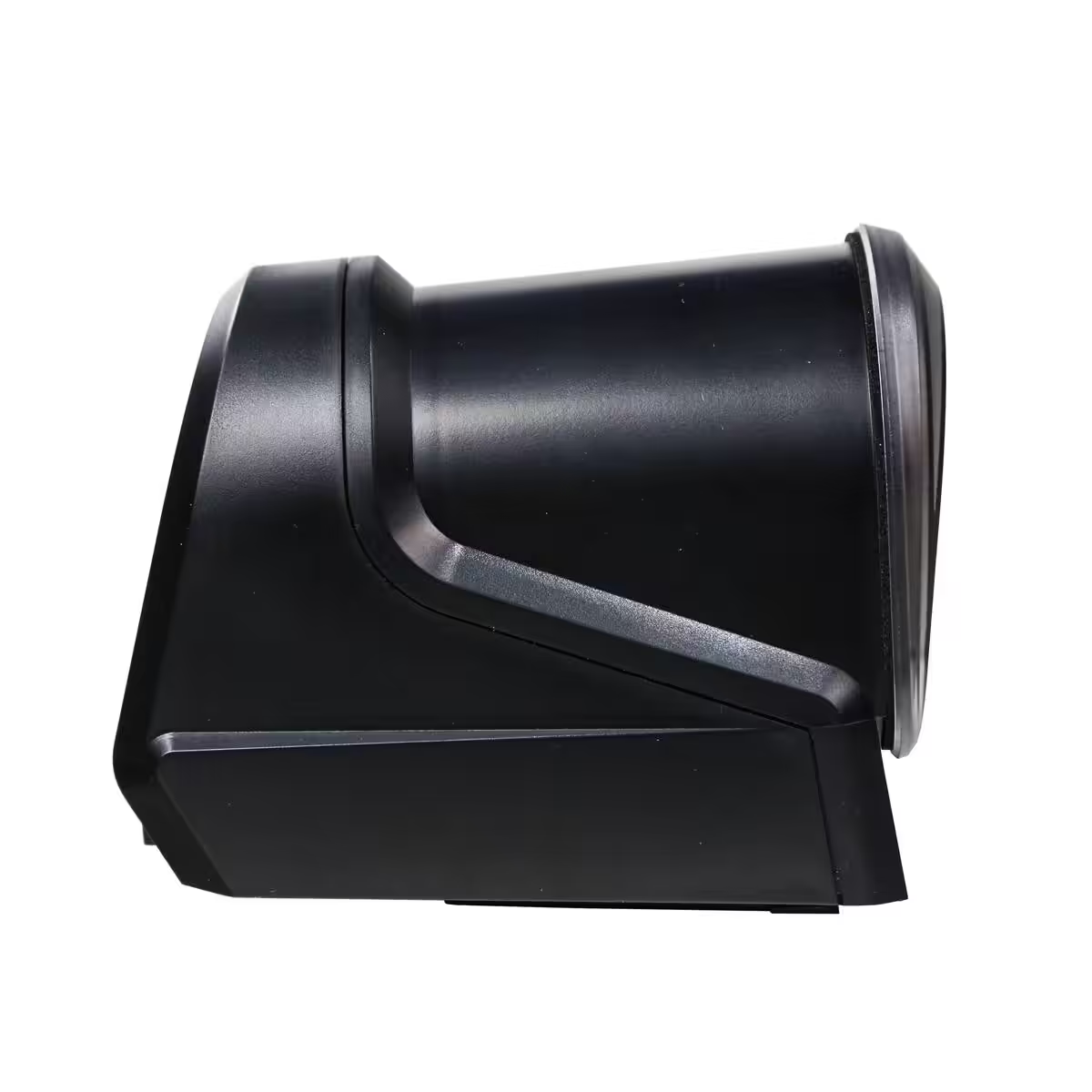
Neptune AFS Automatic Feeding System
Available on backorder
All Shipments insured against damage and loss.

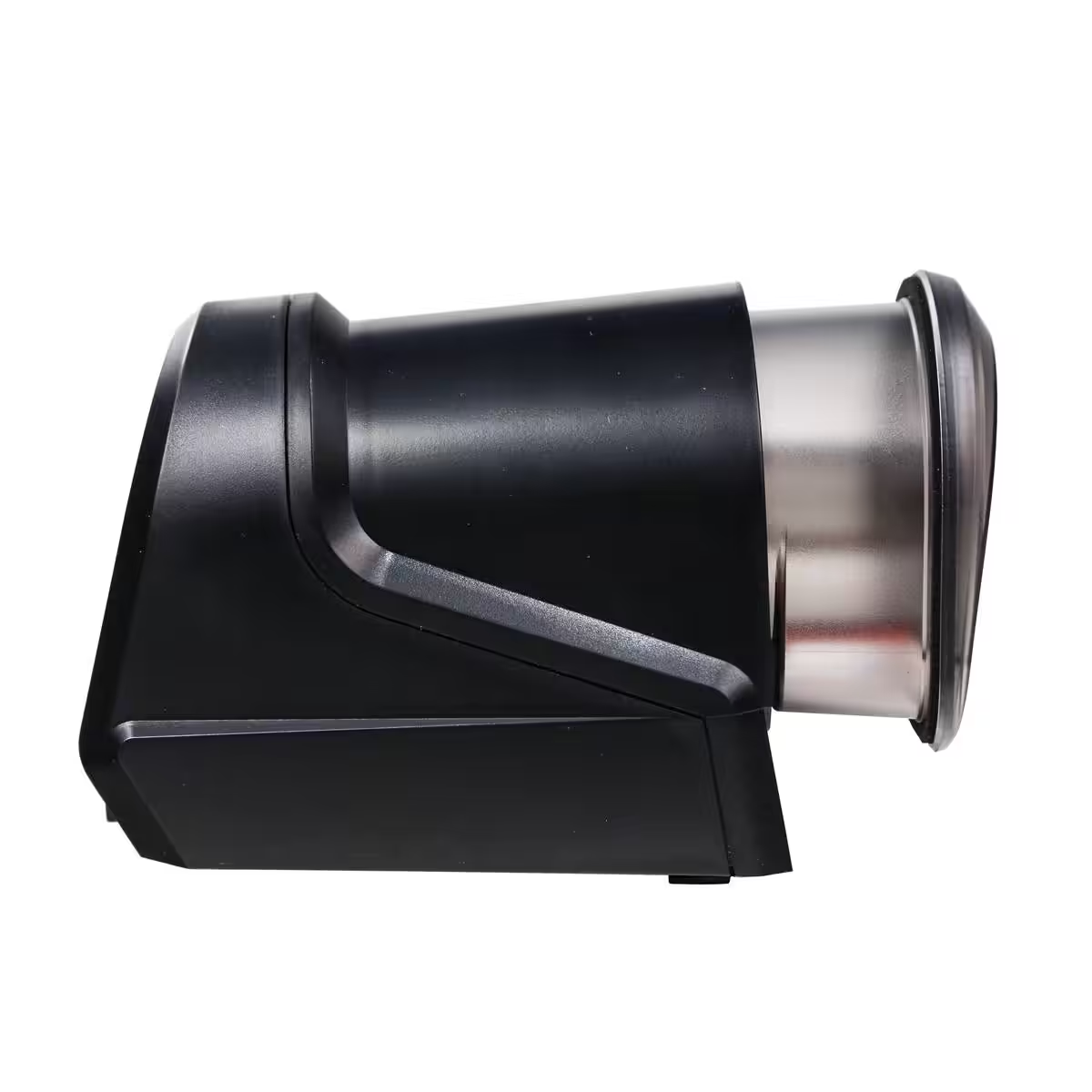
Neptune’s AFS automatically feeds flake or pellet food on schedule, keeping fish fed consistently even when you’re away, and integrates with all Apex systems.
Description
Neptune Systems Automatic Feeding System
- Easily Feed Fish Throughout the Day
- Compatible with All Apex Systems
- Works with Flake and Pellet Foods
The AFS is perfect for feeding your fish consistently and safely, while you’re home or away. It isn’t only useful when you’re away on vacation. Using an auto feeder ensures that your fish are provided with several small feedings throughout the day, allowing them to eat all the food without polluting the aquarium water. Automatic feeders are especially helpful when keeping fish with high metabolisms like anthias and chromis.
Flake, Pellet, or Crossover Diet
The AFS can feed just about any flake or pellet food, but our favorite food to use with the AFS is the Neptune Systems Crossover Diet Pellets. With a micro-film of coral food applied to the surface of every pellet, these pellets work to feed both fish and corals without any extra effort.
Customize Your Aquarium’s Feeding Routine
Because the AFS is part of the Apex ecosystem, you can set up customized feeding routines that work for your setup. For example, you could have your Apex turn off your skimmer and return pumps, feed the aquarium, then turn your pumps back on, ensuring the food gets eaten instead of flowing into your filtration.
Stay-Dry System
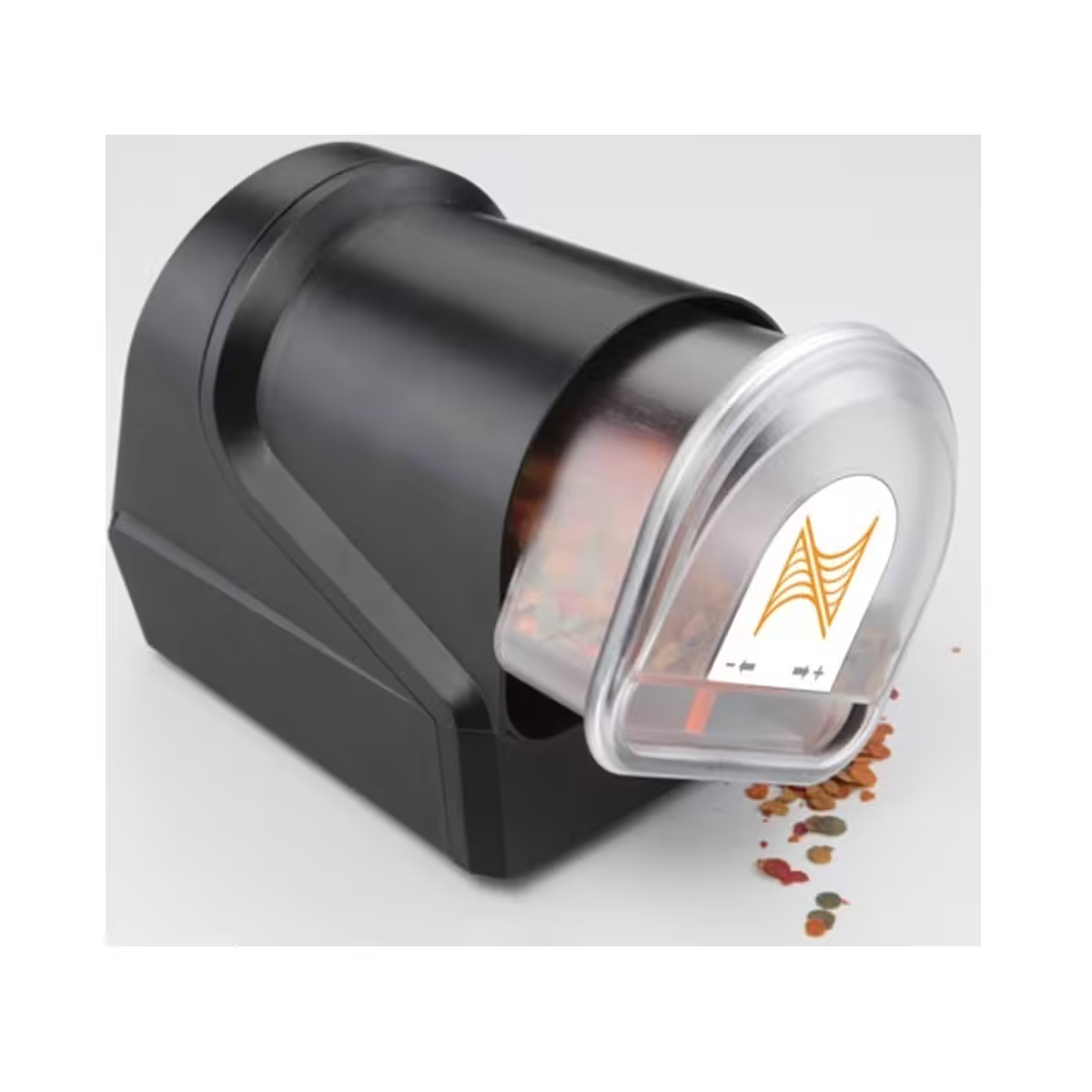
A common issue for most aquarium auto feeders is moisture getting into the food, making it clump and clog. The AFS has a motorized food delivery system that automatically extends and retracts into the housing for each feeding. The food container also has a built-in gasket that seals out all moisture once it is retracted.
Specifications
Dimensions: 6.25″ (accounting for AquaBus plug) x 3″ x 3.75″
Holds up to 100mL of most pellet and flake foods
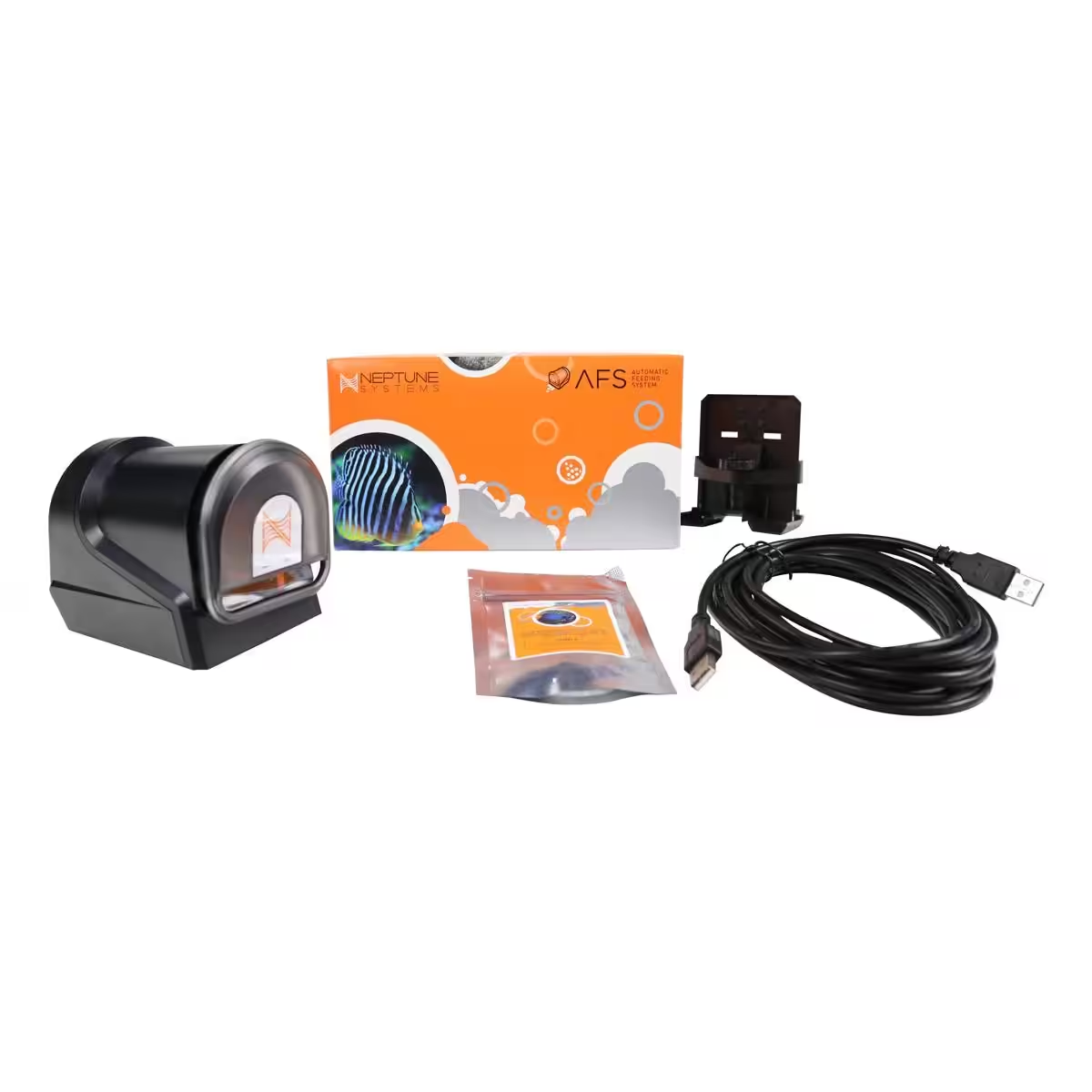
What’s Included?
AFS System
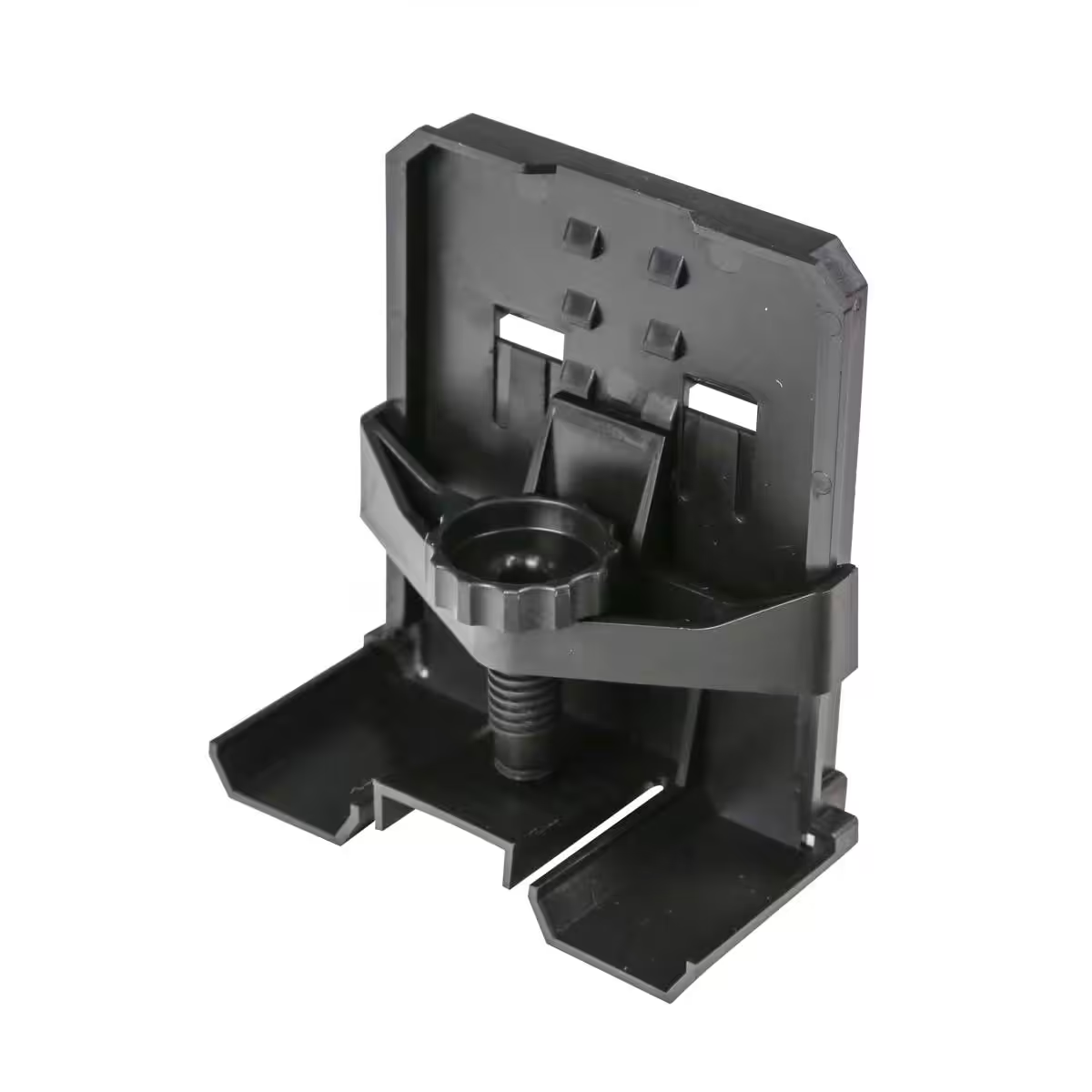
Mounting Bracket
15′ AquaBus Cable
Hook and Loop Tape
Setup & Use
Check the firmware first. The AFS needs Apex firmware 4.30_BA13 or later. Below that the controller will not recognise the feeder or create its outlet, and nothing else in this list will work. Your firmware version is at the top of any XML report, or at the foot of the Network Setup page.
- Mount it. Clip it to the tank rim with the supplied bracket, the clip extends out to about two inches (50 mm), so it clears most rims and braces, or stand it on a flat surface using the four self-stick rubber feet in the box.
- Fill the drum. Pull the drum out of the housing, pop the lid off, fill it with dry pellet or flake food, and push it back onto the rotation shaft. It holds up to 100 ml.
- Set the dose. The orange slider marked − + sets how much food each drum rotation releases. At its lowest setting it drops only a few grains of pellet, which is what makes many small feedings through the day practical.
- Connect it. Plug the supplied 15 foot AquaBus cable into either AquaBus port on the AFS and into any free AquaBus port anywhere on the system. It makes no difference which port you use, and you do not need to power the system down: AquaBus is plug and play. The AFS is powered entirely over AquaBus, so mains voltage and socket type are irrelevant to it; Neptune’s own note is that it “will work worldwide”.
- Watch the LED. It flashes yellow for a second or two while the feeder takes an AquaBus address, then goes solid green.
- Find the outlet. An outlet appears automatically, named Feeder_X_1, where X is the AquaBus address the feeder was given, so a feeder on address 4 becomes Feeder_4_1. Rename it if you like. You can confirm it under Setup → Module Setup → Modify Name on the display, or Configuration → Module Setup on the web interface.
- Test it. Set that outlet to ON from the dashboard, the display or the app. The drum should extend, rotate once and retract. Then set it back to AUTO and start programming.
Programming with the Feed Wizard. Set Control Type to “Feeder” on the Outlet Configuration page and the wizard gives you five fields: First Feeding Time, the time of the first or only feeding; Feeding Repeat Interval, how far apart multiple feedings sit (ignored if you only want one a day); Drum Rotations per Feeding, how much goes in each time; Feedings per Day; and Feed Timer A to D, which lets one of the Apex’s built-in feed timers override the feeder’s own programme.
Building a feeding into a routine. Because the feeder is an ordinary Apex outlet, a feeding can be the middle of a longer sequence: skimmer off, return pumps off, powerheads to a gentle mode, lights dimmed, wait, feed, wait, pumps back on, skimmer back on. Feedings can also be suspended by exception (on a probe value such as ORP, on the day of the week, on a switch, or on an alarm outlet) so the feeder does not keep dropping food into a tank that is already in trouble.
More than one feeder. The AFS has two AquaBus connectors, so feeders daisy-chain. Two is the usual answer to either a long trip or a second food type.
Keeping the food dry. The drum extends to feed and retracts into the housing afterwards, and the container has a gasket that seals once it is retracted. That is what stops the caking and clogging that ends most auto-feeders. Use dry food only, and load it dry.
One warning. Never plug a USB device into an AquaBus connector, and never plug an AquaBus accessory into a computer USB port. The connectors look alike and damage to both devices can result.
Warranty & Support
This product carries a 1-year manufacturer warranty on hardware from the date of purchase.
Warranty support is handled by us directly. Message our WhatsApp support with your order number and we will diagnose the fault first. Most cases are solved by replacing a single part, so you rarely need to send the whole unit. If the item does need to come back, it ships to our Delhi or Pune warehouse, whichever one served your order, and courier cost in both directions is borne by the customer. Your GST invoice is valid proof of purchase for the claim.
Backorder & Dispatch Timeline
This item is stocked to order. Back-orders are consolidated and placed with our overseas suppliers once a month, on the last day of the month, and all such orders are shipped before the 15th of the following month.
Back-orders cannot be cancelled once they have been placed with the supplier. If you cancel before that, payment-gateway charges of 2% plus GST are deducted and the balance refunded. In the rare case a supplier cannot fulfil the item, we will offer you an alternative first, and refund in full with no deduction if you would rather not take it.
Returns & Replacement
Returns are accepted within 7 days of delivery, provided the item is unused and in its original packaging. Manufacturer-sealed items cannot be returned once the seal is broken, and sale-priced items are not refundable.
If your item arrives defective or damaged, message us on WhatsApp with your order number, or email us if you would rather, and we will replace it. Approved replacements are delivered within 3 to 5 business days. Transit damage is covered by insurance on every shipment. If tracking shows delivered but nothing reached you, tell us within 48 hours, which is the reporting window Indian couriers allow. Damage caused during installation or use is not covered; replacement spares for such cases are chargeable.
Full terms are on our Cancellation & Returns page.
Related Products
Reviews
Sorry, no reviews match your current selections
Q & A
Ask a question